
Stay Organized with your iPhone – Senior Tech
The iPhone is a great tool to help you stay organized. This class explores the Notes, Reminders, Calendar and Contacts app on your iPhone.
Read More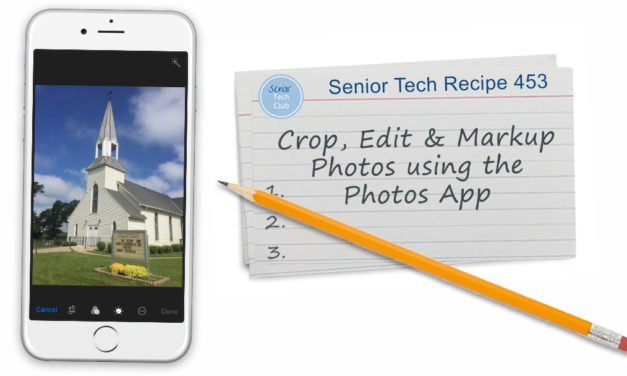
iPhone Photography – Find, Organize, Manage, Share and Edit your Photos with the Photos App 611 Group 04-xx-24
Covers the essential functions of the Photos app and now to organize, edit, and share your photos.
Read More
Advanced iPhone Photography Beyond Point & Click – 611 Group 3-20-24
Allows users to make the most of the iPhone camera.
Read More
Get Your Groove On with Online Music Services – Eagan 12/15/2023
Music is good for us. And today, a primary vehicle to get recorded music into your life is the online music service which includes services like Spotify, Apple Music, Amazon Music and more.
This workshop will help you explore some of the popular music services and approaches for bringing music to your life.

Things You Didn’t Know Your iPhone Could Do Part – IOS 16+ Anoka Hennepin 11-30-2023
Covers 10 hidden nuggets useful for older adults.
Read More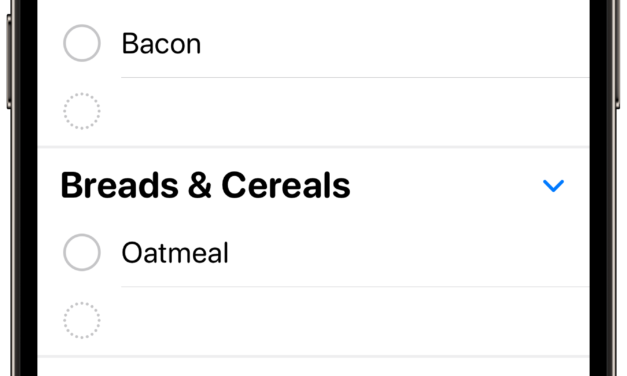
Create a Grocery List with the Reminders App
You can use the Reminders app to create a grocery list. It will even organize your list for you.
Read More
A Getting Started Tour – iPhones without a Home Button
This lesson takes you on a tour of your newer iPhone and essential controls, functions and screen actions.
Read More
Screen Phone Calls with Live Voicemail
Screen a call from an unknown caller by watching the live voicemail transcript using Live Voicemail.
Read More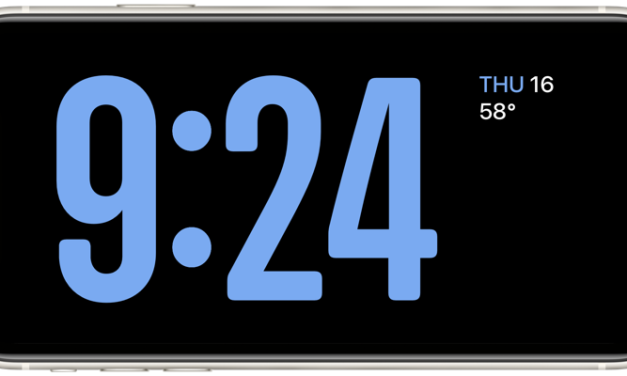
Use Standby Mode as a Bedside Clock or Smart Display
Use your iPhone as a bedside clock or a smart display on your counter or desk using Standby Mode.
Read More
I Didn’t Know my iPhone Could Do That Part 2 – Eagan50+ 11-17-93
Covers 8 hidden nuggets useful functions on your iPhone. This is part two of the series.
Read More
iPhone Photography – Find, Organize, Manage, Share and Edit your Photos with the Photos App 09-28-2023
Covers the essential functions of the Photos app and now to organize, edit, and share your photos.
Read More
Advanced iPhone Photography Beyond Point & Click – AHS 9-14-23
Allows users to make the most of the iPhone camera.
Read More
Keep Learning, It’s FREE

Free Access
All Senior Tech Club programs are currently FREE.
Access any online lesson from our catalog for FREE.
View all Senior Tech Club Academy online classes for FREE.